Animated GIF to ASCII
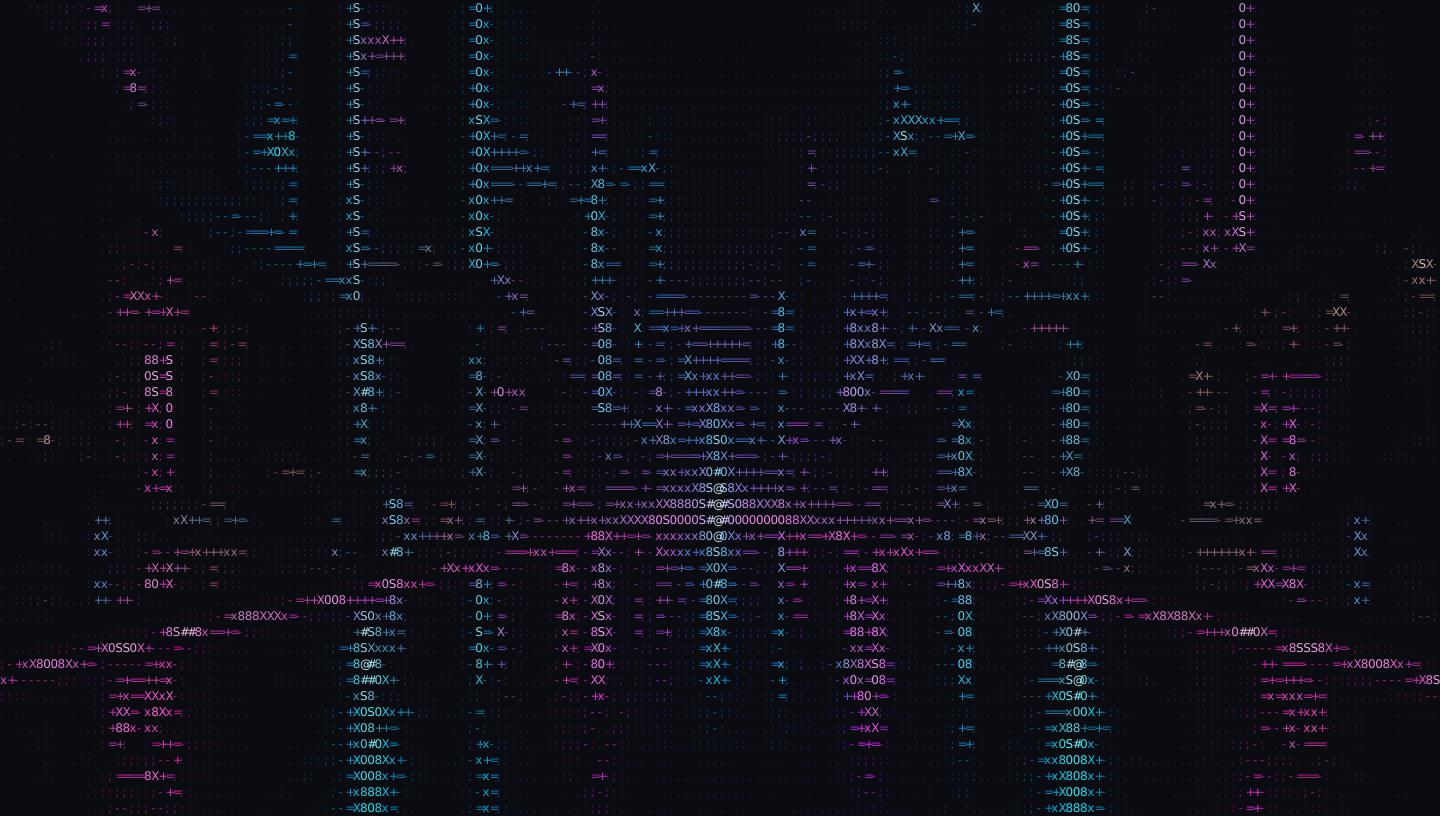
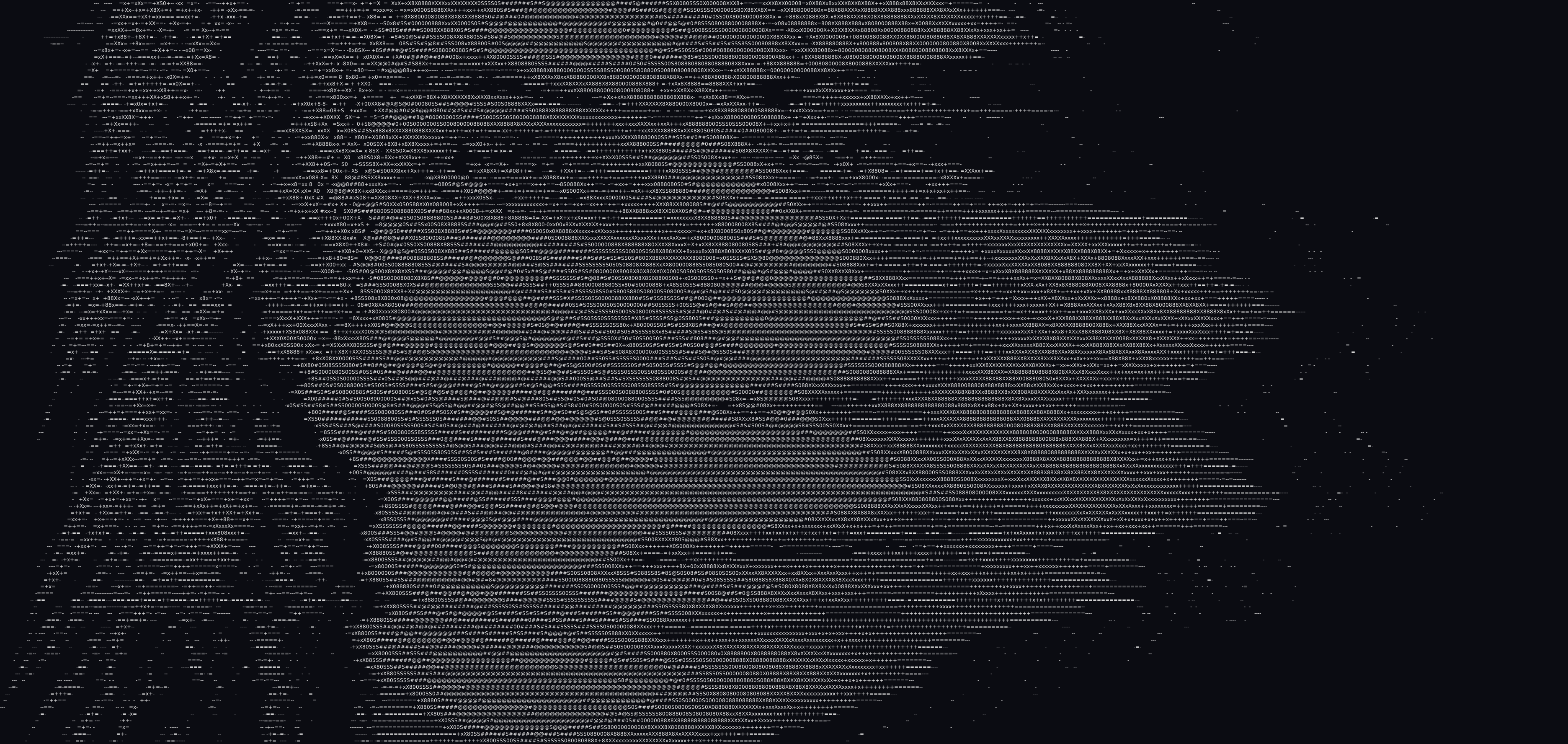
Pre-rendered with this converter. Try the original GIF to create and download your own moving ASCII art.
 image to asciiby vztool
 OriginalASCII
Pre-rendered with this converter. Try the original GIF to create and download your own moving ASCII art.
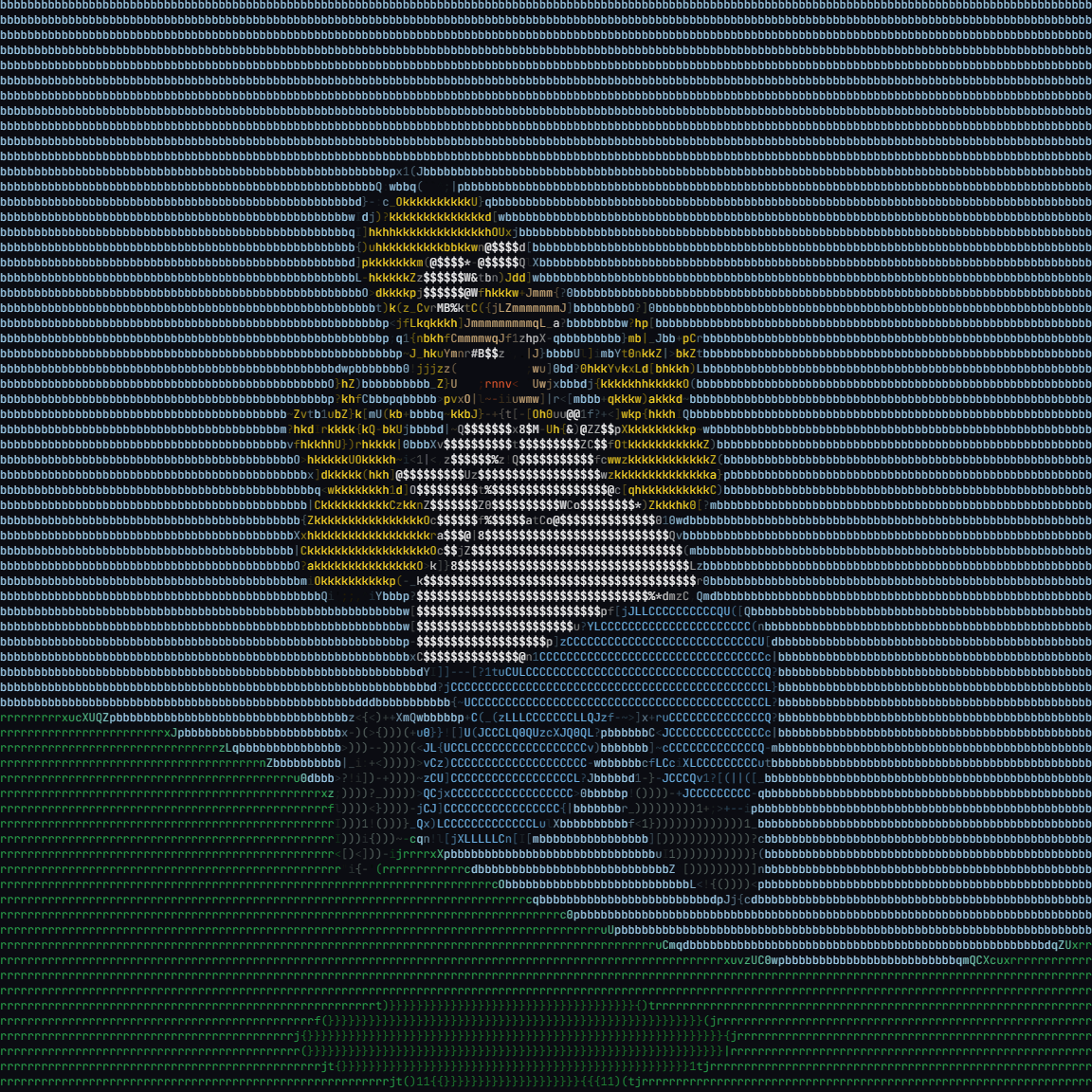
Turn animated GIFs into moving ASCII art. Preview the frames and download a GIF without uploading your file.
Try a sample:
Your photo stays on your device. Processed in your browser.
Explore photo-to-ASCII ideas for profile pictures, wallpapers, posters and developer projects. Upload your own image to create a version with your preferred characters and colors.
Pre-rendered with this converter. Try the original GIF to create and download your own moving ASCII art.
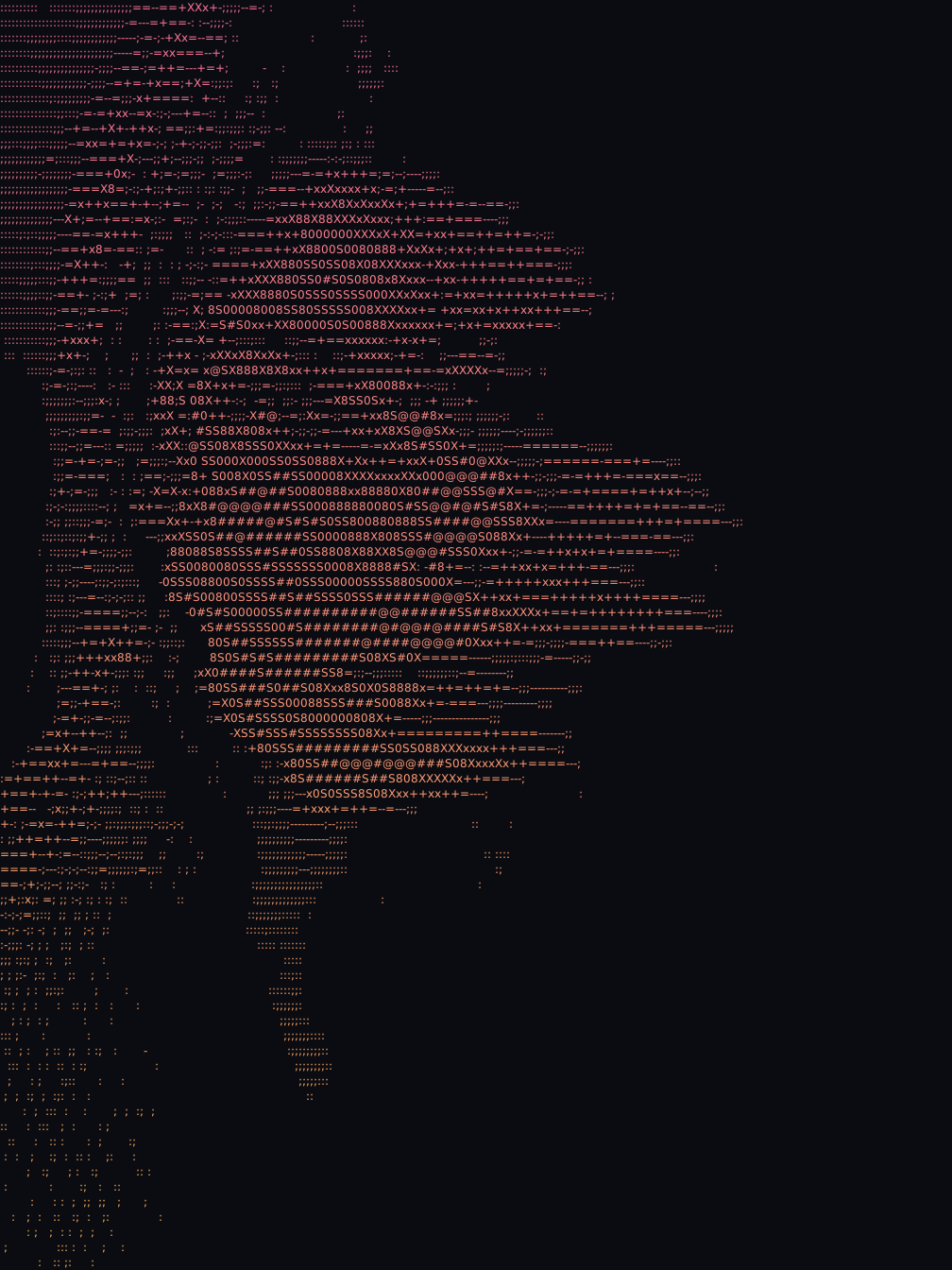
Turn a portrait into a character-based profile picture. Try Detailed for facial features and PNG for sharing.
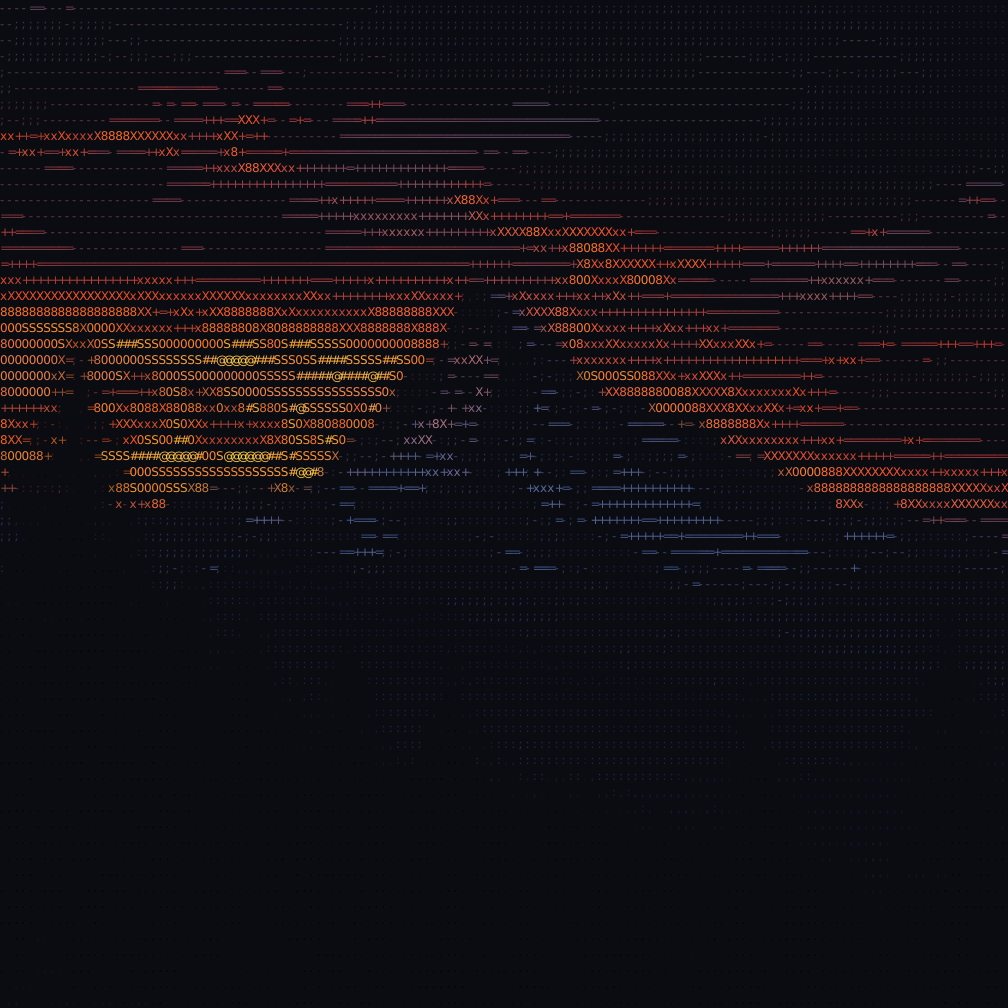
Give mountain and travel photos a text texture. Keep the original colors or choose a custom gradient.
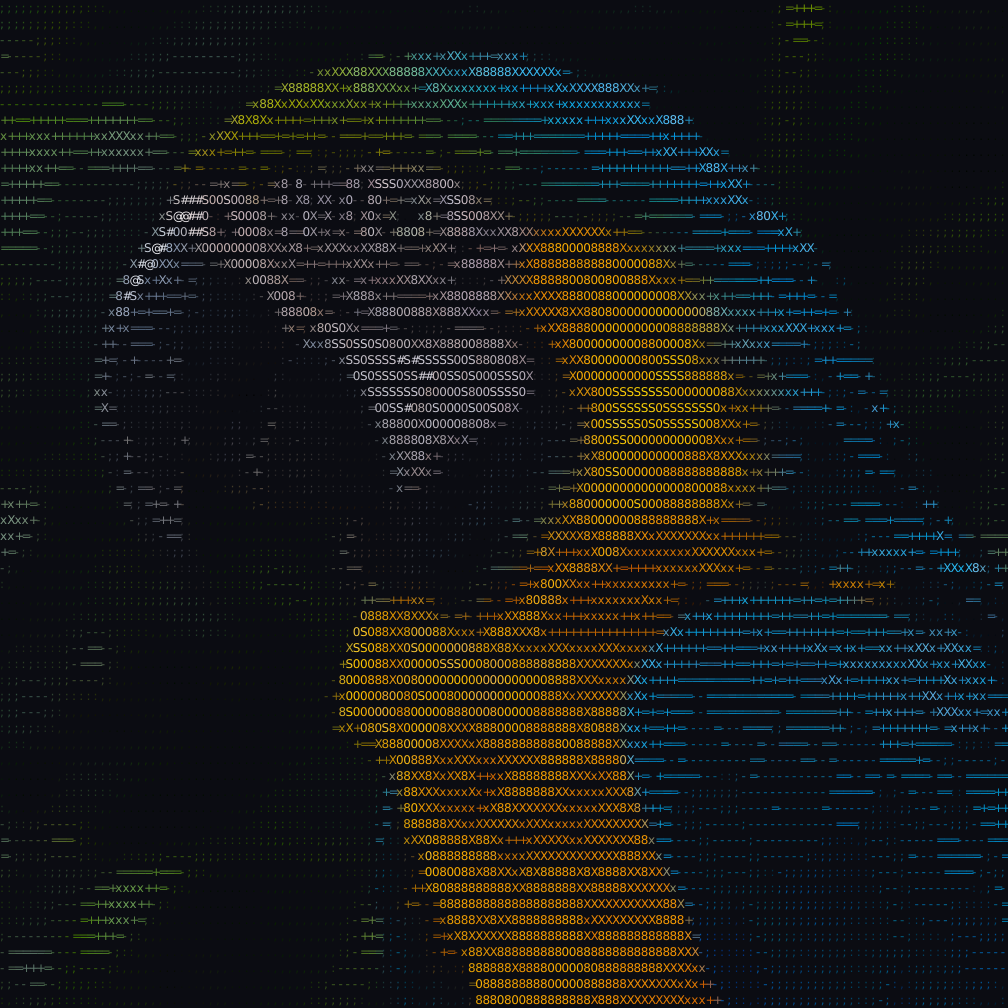
Use bold character sets for a graphic poster. Export SVG to scale the artwork, or PNG 4× when available.
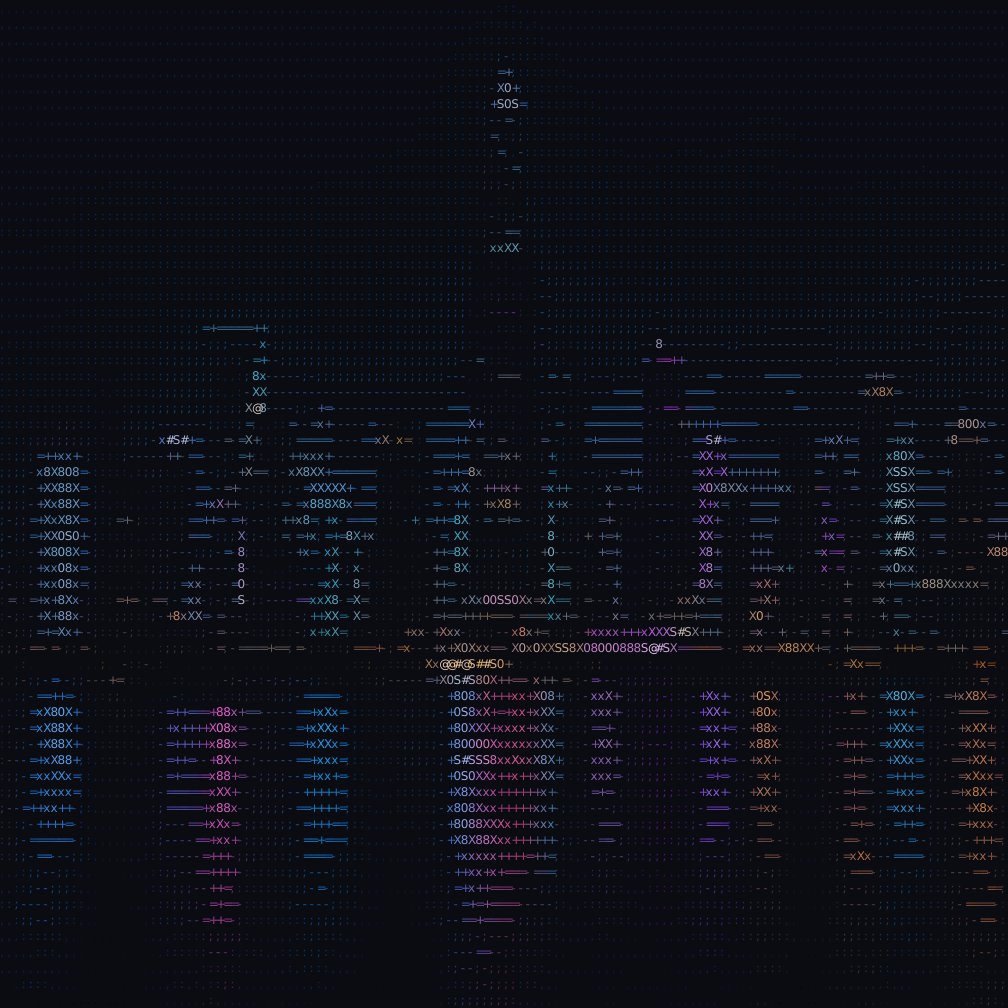
Convert city scenes into text for project headers. Use TXT in a monospace code block or ANSI in a compatible terminal.
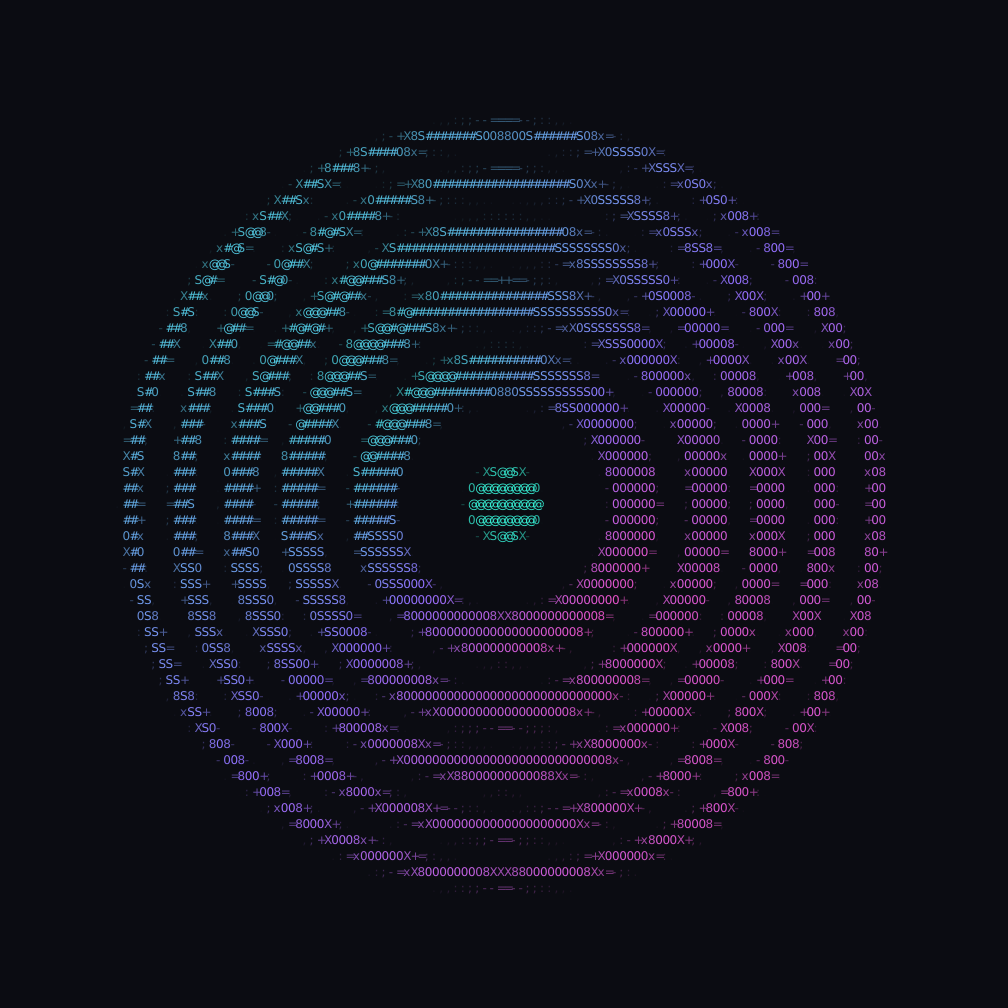
Create a character-art cover from your own image. Match its colors to your project with a custom color or gradient.
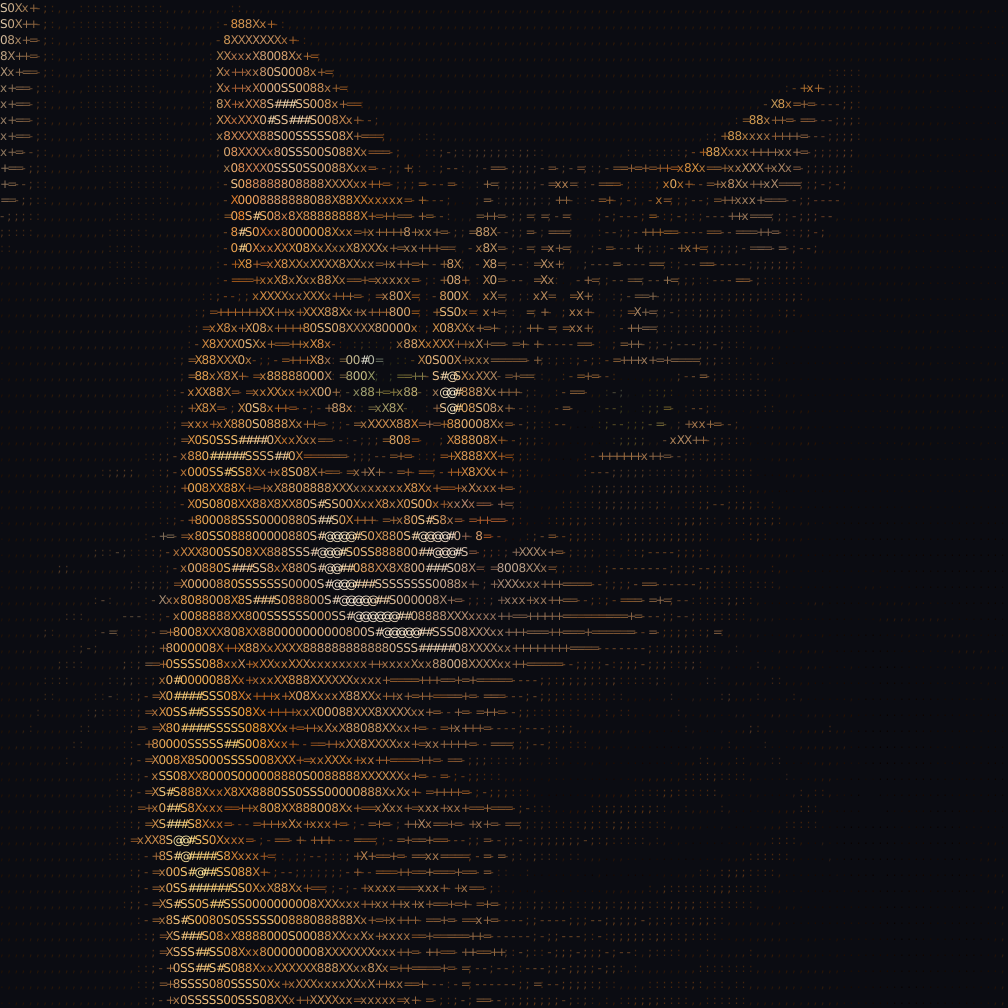
Turn a cat or dog photo into ASCII art. A simple background and brighter face help the eyes and fur stay distinct.
Create ASCII art from a photo in three steps: upload, adjust and export. The live preview lets you refine the result without leaving your browser.
For GIFs, every frame becomes ASCII art while frame timing and loops are preserved. Use Download GIF for animation; PNG, SVG and text exports use the first frame.
Drop a JPG, PNG, WebP or GIF file up to 25 MiB, or try a sample portrait, landscape or pet. Your photo stays on your device while the browser prepares the ASCII preview.
The converter samples brightness across a character grid. Set Detail from 60 to 260 columns, adjust Brightness from −50 to +100, and explore 40 character sets, including Classic, Blocks and Braille.
Download GIF to keep the animation. Drag the comparison handle to check the original against the ASCII result. Keep photo colors or choose a custom color or gradient, then download PNG, SVG, TXT, HTML or ANSI, or copy the text.
Turn animated GIFs into moving ASCII art. Preview the frames and download a GIF without uploading your file.
GIF keeps the animation. Other exports and Copy text use the first frame.
Animations are limited to 300 frames. Lower Detail or use a smaller source if the animation exceeds the processing budget.
Start creatingFind the right settings for your photo, understand color and export options, and learn how local image conversion protects your privacy.
One photo. Endless character.
Upload an imageYour photo stays on your device.