 asciiby vztool
Video to ASCII GIF Converter
Turn a short MP4, MOV or WebM range into an ASCII GIF locally. Choose 5 or 10 fps, compare sampled frames and export a real animation without audio.
MP4, MOV or WebM up to 25 MiB and 4K. Decode support depends on your browser. Select up to 3 seconds at 5 or 10 fps.
GIF output loops and has no audio. PNG and text exports use the first sampled frame.
At most 30 frames, 1.5 million pixels per frame, 24 million output pixels in total and a 32 MiB GIF. Sampling uses a longest side of at most 640 pixels without enlarging small sources.
GIF timing rounds to 10 ms with a 20 ms minimum. The exported duration may differ slightly from the selected range.
Illustrative demo
· Edge 155.0.4283.45 · win32 10.0.26300 · Intel(R) Core(TM) i7-14650HX · 0.72 seconds
Trimmed range: 0–2 seconds · 5 fps · 80 Columns · 10 frames · 576 × 320 · 600,887 B
 Original
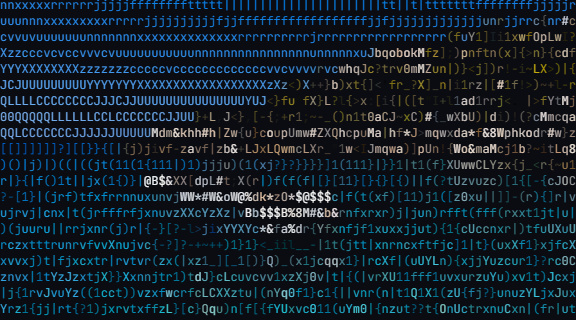 ASCII
ASCIIOriginal MP4 · Download GIF · Download PNG · Download TXT
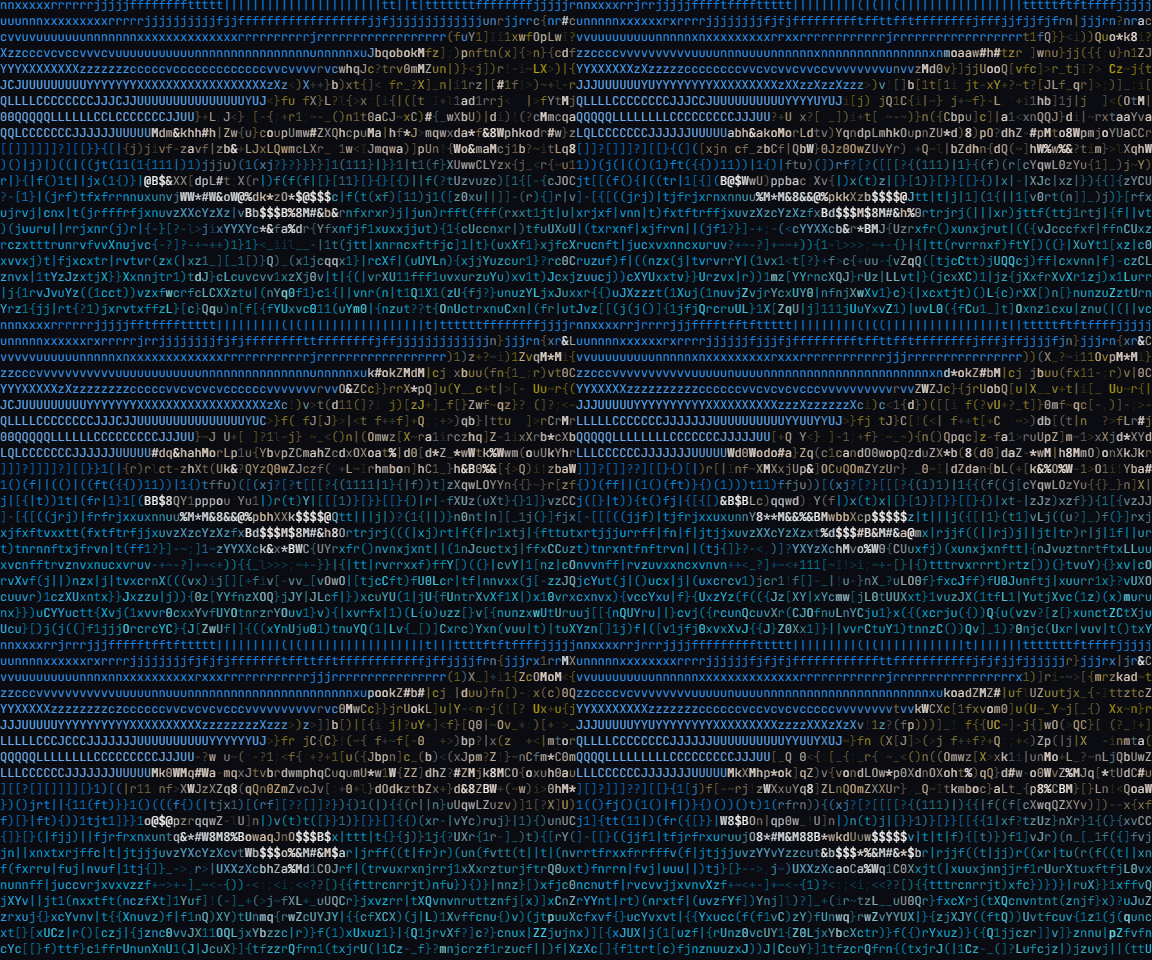
Speed depends on the clip, browser and device. Keep the page open and try a shorter clip if the device struggles.
Video to ASCII GIF Converter
Turn a short MP4, MOV or WebM range into an ASCII GIF locally. Choose 5 or 10 fps, compare sampled frames and export a real animation without audio.
Choose a short range, preview it and choose a frame rate. More frames take more time and memory.
Convert the selected samples into characters, compare matching frames and download the actual GIF. Your original video stays on your device.
Start creatingHow it works
- Choose a short range, preview it and choose a frame rate. More frames take more time and memory.
- Convert the selected samples into characters, compare matching frames and download the actual GIF. Your original video stays on your device.
If a budget is reached, reduce columns, frame rate or range length. Unsupported video codecs are rejected without replacing your previous result.