 asciiby vztool
Webcam to ASCII Art
Preview your camera as ASCII art locally. Control the refresh rate, stop capture and save one processed frame as PNG or text.
Camera off
Start camera opens your browser permission request. Video stays on this device. Only the latest processed frame is kept in memory.
Processing is limited to 5 fps, a 320-pixel sampling side, 1 million output pixels and an 8 MiB preview pair. Slow frames never queue up.
Stop camera ends all camera tracks and the processing timer. Leaving or hiding this page also stops capture. The last frame stays available until removed or the page closes.
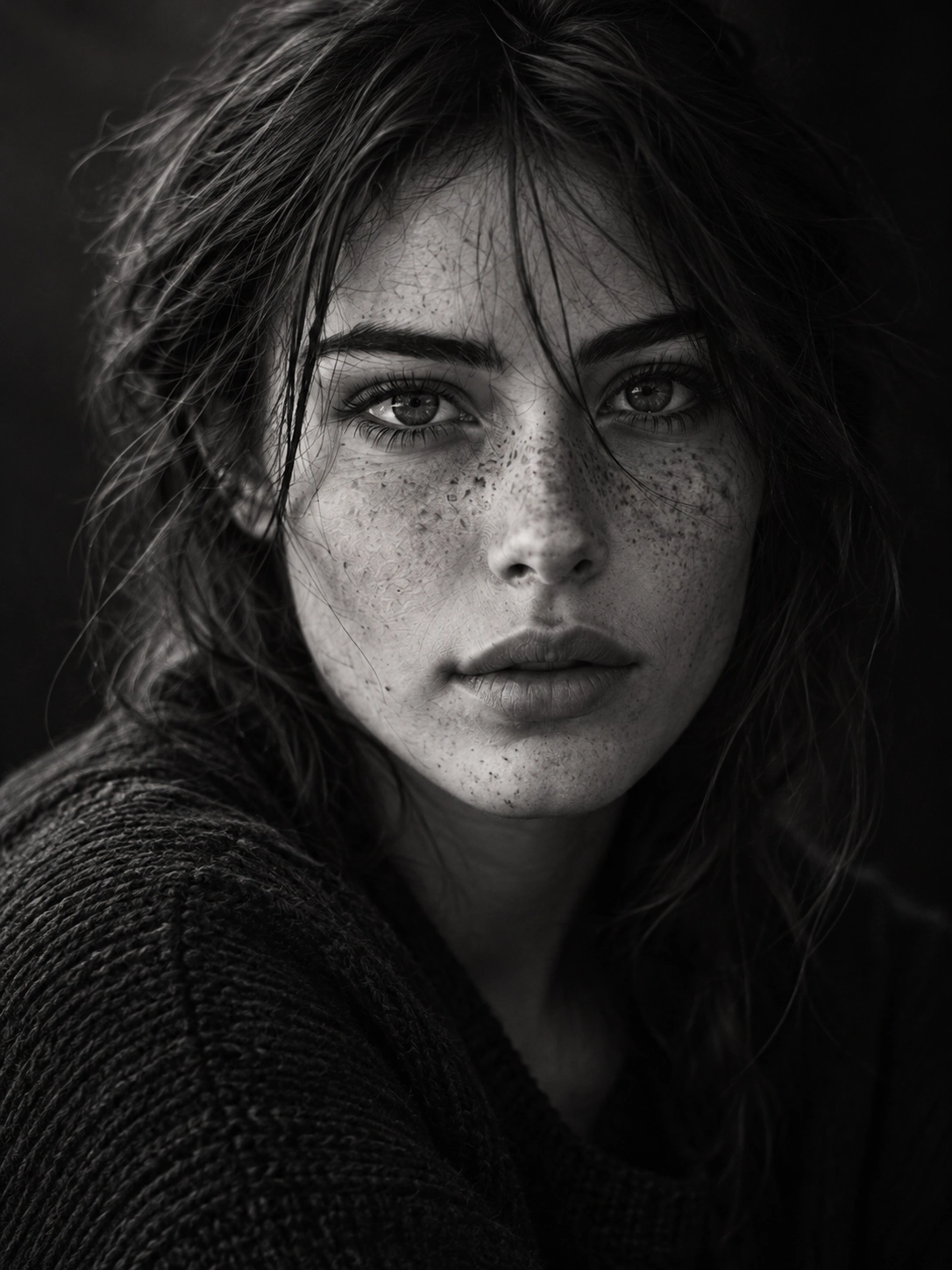
Illustrative demo
Still photo example. This is not a live camera feed.
 Original
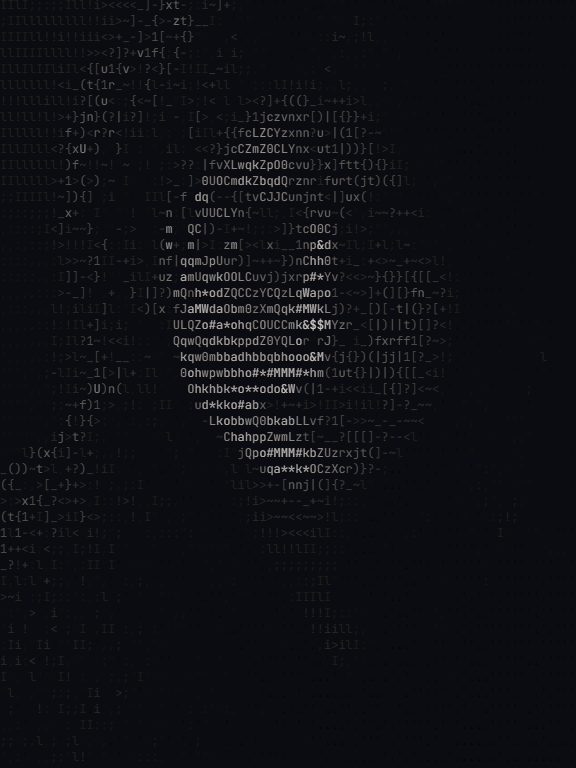 ASCII
ASCII576 × 768 · 80 Columns · Original · Download PNG · Download TXT
Webcam to ASCII Art
Preview your camera as ASCII art locally. Control the refresh rate, stop capture and save one processed frame as PNG or text.
Allow camera access, choose columns and a refresh limit, then inspect matching original and ASCII frames.
Stop the camera when finished. Download a PNG or copy the text of the last processed frame.
Start creatingHow it works
- Allow camera access, choose columns and a refresh limit, then inspect matching original and ASCII frames.
- Stop the camera when finished. Download a PNG or copy the text of the last processed frame.
No microphone is requested. Recording a video is a separate workflow; this page exports single frames.